Company-specific plans
Name the company, role, and interview date so every node on the graph has a reason to exist.
Build a visual interview prep plan.
Roadmap Interview turns DSA, system design, and behavioral work into a visual plan tied to a company and role. Start from a template or a blank graph.
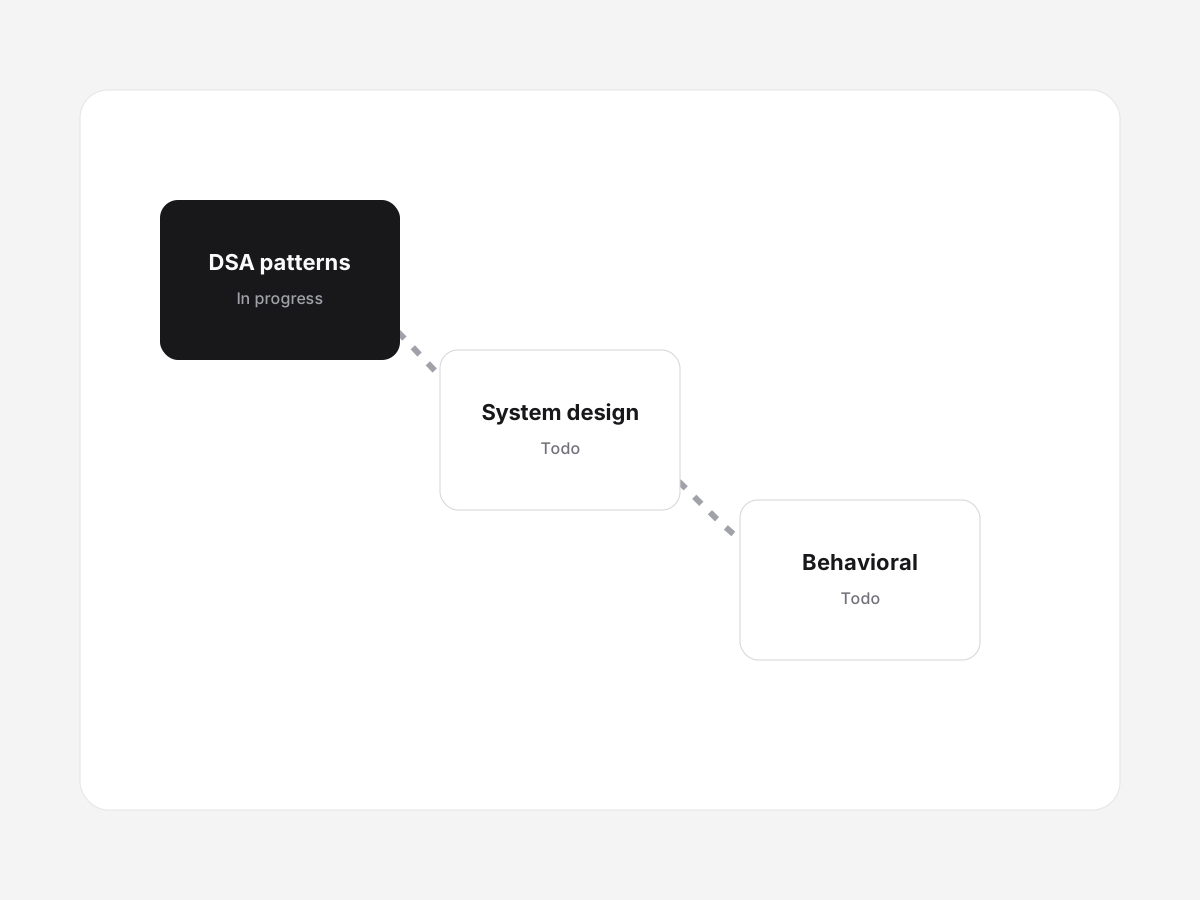
Roadmap Interview is a web app for planning company-specific interview prep as a visual roadmap. Each node is a topic you can finish in one or two sessions. Edges show order. Status (todo, in progress, done, skipped) stays synced to your account.
Name the company, role, and interview date so every node on the graph has a reason to exist.
Begin from technical, behavioral, or mixed graphs, then delete anything that does not match the loop.
Todo, in progress, done, and skipped stay synced to your account so you can pick up on any device.
Prepare behavioral interview stories with a simple framework: situation, actions, measurable result, and what you would change. Reuse the same stories across common prompts.
Build a system design interview prep plan that covers fundamentals, a few canonical designs, and timed practice without trying to memorize every architecture diagram.
Turn scattered interview prep into a visual roadmap: pick the company, map DSA, system design, and behavioral work, then track progress until interview day.
Roadmap Interview is a web app that turns interview prep into a visual roadmap tied to a company and role. You add DSA, system design, and behavioral work as nodes, track status, and resume the same plan on any device.
Yes. Create an account, pick a company and role, and start from a blank graph or a starter template. Your plans sync to your account.
Topics you can finish in one or two sessions: DSA patterns, system design drills, behavioral stories, and company-specific notes. Connect them in the order you will actually study.
Templates pre-fill nodes and edges. After you create a roadmap you can add, edit, skip, or delete any node so the graph matches the company you are targeting.
Still looking? Read the prep guides or contact us.